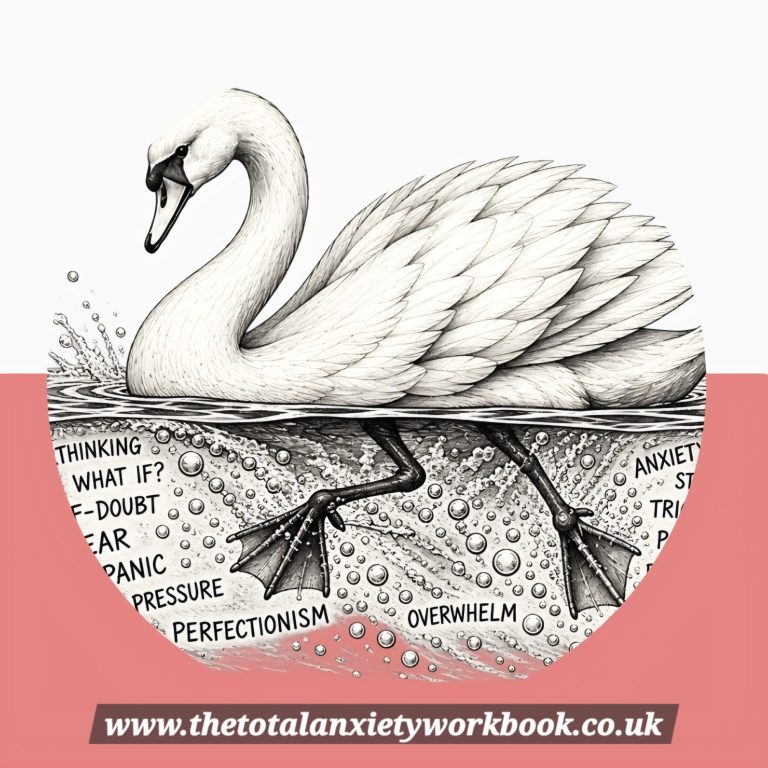
TO OPEN THE APP CLICK ON THE SWAN PICTURE BELOW
Let me introduce you to the Total Anxiety workbook APP
A free app to help you organise those anxious moments.A little calm in your pocket from The Total Anxiety Workbook.The swan App offers gentle check-ins, grounding activities, five-minute prompts and a manageable 30-day challenge—all with Debbie’s familiar humour and encouragement.
Take a moment for yourself, go at your own pace, and leave perfection at the pond.
A self-help companion, not a replacement for professional mental health support.
Hows your swan today?
Keep the Swan App on your phone 🦢A little calm, just a tap away. It’s free, with no account needed.
First, tap “Open the free Swan App”. Add the app’s welcome screen to your phone using the steps below.
iPhone — using Safari
Open the Swan App in Safari.Tap Share—the square with an arrow pointing upwards. You may need to open the browser’s menu first.Scroll down and tap Add to Home Screen.Name it The Swan App. If Open as Web App appears, switch it on. Tap Add.
Android — using Google ChromeOpen the Swan App in Chrome. Tap the three dots beside the address bar.
Choose Install and create shortcut, then Create shortcut. On some versions, this is called Add to Home screen.Name it The Swan App, then tap Add and confirm if asked.You’ll now have an icon on your home screen that opens the Swan App.Opened the link inside Facebook or Instagram? Use its menu to open it in Safari or Chrome first.Please use an internet connection. Challenge progress stays on the device and browser you use; it won’t sync between phones or computers, and clearing browser data can remove it.No perfect streaks. No catching up. Just a little space for you.